Remote work distractions cost the average knowledge worker over two hours every single day. That adds up to 520 hours per year, or roughly 13 full work weeks lost to things that pulled your attention away from the task that mattered. But here is the part nobody tells you: most of the advice you have read about working from home distractions only addresses half the problem. There are two fundamentally different types of distractions, and if you are solving for the wrong one, no amount of noise-cancelling headphones or app blockers will help. Make10000Hours tracks your actual focus sessions so you can see exactly where your attention breaks down, and after two weeks of data, the pattern becomes impossible to ignore.
The Real Cost of Remote Work Distractions
Before diving into solutions, the numbers deserve attention. Research from UC Irvine found that it takes 23 minutes and 15 seconds to fully refocus after a single interruption. The average remote worker faces roughly 15 interruptions per hour. That means your brain spends more time recovering from distractions than actually doing focused work.
A 2024 Forbes survey found that 80% of remote workers get distracted by kids, partners, pets, and household items that simply would not exist in an office setting. And 61.6% of remote workers report social media as a consistent focus killer.
Yet here is the twist: a 2024 study in the Journal of Applied Psychology found that open offices are 31% more distracting than home workspaces. Remote workers actually spend 59.48% of their workweek in uninterrupted focused tasks, outpacing office workers by over 10 percentage points.
The problem is not that your home is inherently distracting. The problem is that you are likely fighting the wrong type of distraction.
The Two Types of Remote Work Distractions (and Why the Difference Matters)
A 2025 paper in Frontiers in Psychology introduced a dual system model of distraction that changes how we should think about focus at home. The model identifies two distinct cognitive systems at play.
External distractions come from your environment. Notifications on your phone. Your partner asking a question. The delivery driver ringing the doorbell. The TV in the next room. These are stimuli that originate outside your mind and pull your attention involuntarily.
Internal distractions come from within your own cognition. The sudden urge to check your email even though nobody pinged you. A random thought about weekend plans. The impulse to switch tasks because the current one feels boring. Mind-wandering during a document you find tedious.
The dual system model explains that your brain has an unconscious distraction capacity system that automatically filters irrelevant stimuli and a conscious attention control system that kicks in when the first system gets overwhelmed.
This distinction matters because external and internal distractions require completely different solutions. Blocking Instagram fixes an external trigger. But it does nothing about the internal restlessness that made you reach for your phone in the first place. Most remote work focus advice only addresses the external side, which explains why so many people try every tip on the internet and still struggle.
External Distractions: The Ones You Can See and Fix
External distractions are the category most people think of when they hear "working from home distractions." These are environmental, visible, and usually fixable with changes to your physical space and digital setup.
The most common external distractions for remote workers include household noise (kids, pets, partners, roommates), phone notifications and app alerts, delivery interruptions, visible household chores calling for attention, background TV or music with lyrics, and an unstructured physical workspace that blends home life with work.
The good news: external distractions respond well to environmental design. You do not need willpower to beat them. You need systems.
8 Evidence-Backed Strategies for External Distractions
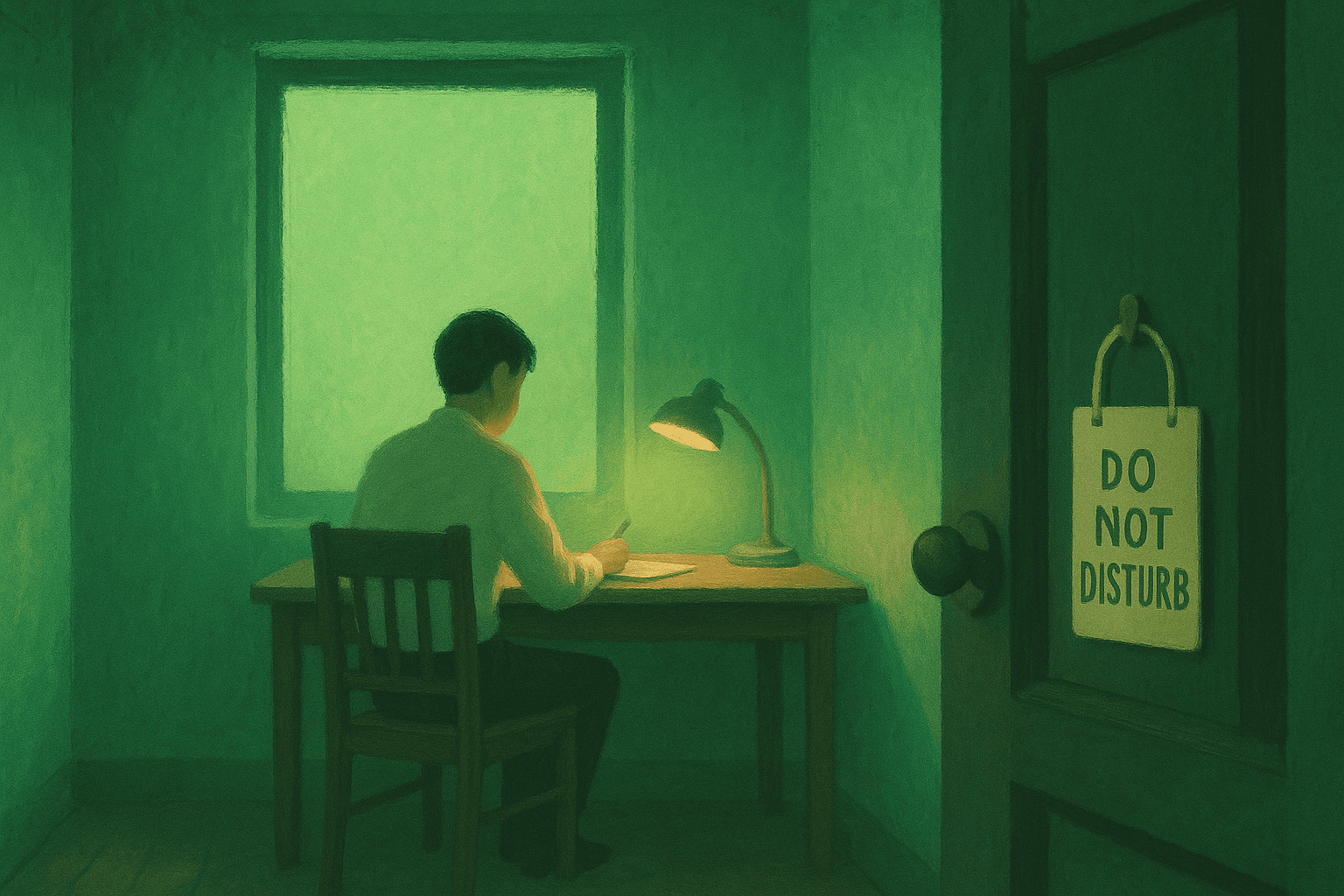
1. Create a physical boundary, not just a "workspace." A dedicated room is ideal, but even a specific corner with a visual divider works. The key is a threshold your brain associates exclusively with work. When you cross it, your cognitive state shifts. RemotePass research shows that psychological boundaries are as important as physical ones. If you cannot close a door, use a specific lamp or desk arrangement that signals "work mode" to both you and your household.
2. Implement a household communication protocol. Tell everyone in your home your meeting times and focus blocks at the start of each day. A shared calendar or a simple whiteboard outside your workspace eliminates the "can I ask you something?" interruptions that cost 23 minutes of refocus time each.
3. Batch your notification windows. Turn off all non-essential notifications during focus blocks. The average knowledge worker checks email or messaging every 6 minutes. Instead, schedule two or three notification windows per day (mid-morning, after lunch, late afternoon). Use your phone's Do Not Disturb mode with exceptions only for true emergencies.
4. Control your audio environment. Noise-cancelling headphones are not optional for remote workers in shared spaces. Brown noise or instrumental ambient sound creates an auditory cocoon that blocks irregular environmental sounds. Avoid music with lyrics, which competes for the same language-processing circuits your work requires. For more on building a distraction-resistant home office setup, start with audio control.
5. Front-load household tasks. The pile of laundry you can see from your desk is not just visual clutter. It is an open loop your brain keeps trying to close. Spend 15 minutes before your workday handling the most visible household tasks. This removes the environmental cues that trigger task-switching urges.
6. Use website and app blockers during focus periods. Tools like Freedom, Cold Turkey, or built-in Focus modes on macOS and iOS can block distracting sites during your work blocks. This removes the option entirely, which is more reliable than relying on willpower. A digital minimalism approach to your work devices pays compounding returns.
7. Design a "distraction parking lot." Keep a small notepad or a single text file open. When a non-work thought hits ("I need to schedule that dentist appointment," "I should check the package tracking"), write it down and return to your task. This acknowledges the thought without acting on it, preventing the 23-minute refocus penalty.
8. Structure your day around your interruption patterns. If your household is noisiest in the morning (kids getting ready for school) or mid-afternoon (after-school chaos), schedule your deepest work for the quiet windows. This is not about working around distractions. It is about designing your day so your peak focus blocks align with your lowest-interruption periods.

Internal Distractions: The Invisible Productivity Killer
Here is where most remote work distraction advice falls apart. You have blocked the apps. You have the headphones on. The door is closed. And you still cannot focus.
Internal distractions are thoughts, impulses, and emotional states that originate within your own mind. The American Psychological Association found that self-directed task-switching (choosing to check something unrelated) reduces productivity by up to 40%. This is not an external notification pulling you away. This is your own brain deciding the current task is not stimulating enough.
Common internal distractions include mind-wandering during low-stimulation tasks, the urge to check email or Slack "just in case" (when no notification prompted it), rumination about non-work concerns (finances, relationships, health), perfectionism paralysis where you stall instead of producing, boredom-driven task-switching where you jump between projects without finishing any, and anxiety about deadlines that paradoxically prevents you from working on the very thing that is due.
For people with ADHD, internal distractions are often the dominant category. The brain's dopamine regulation system makes low-stimulation tasks genuinely painful, driving a constant search for more interesting input. If external fixes never seem to stick, the internal category is worth investigating seriously.
6 Strategies for Internal Distractions Most People Ignore
1. Practice single-tasking with a visible commitment. Before starting a work block, write down the single task you will work on. Place it where you can see it. When your brain wanders toward another task, the written commitment acts as an anchor. Single-tasking is not a personality trait. It is a skill you build through repeated practice.
2. Use implementation intentions, not just goals. Instead of "I will work on the report," specify "At 9:00 AM, I will open the report document and write the methodology section for 45 minutes." Research on implementation intentions shows that specifying the when, where, and what reduces the decision fatigue that triggers internal distraction.
3. Match task difficulty to your energy level. Internal distractions spike when there is a mismatch between the cognitive demand of your task and your current mental energy. Boring administrative work during a high-energy morning invites mind-wandering. Demanding creative work during an afternoon slump invites procrastination. Track your energy patterns and schedule accordingly.
4. Build transition rituals between tasks. Internal distractions often spike at task boundaries. When you finish one thing, your brain has a window where it can latch onto anything. A 2-minute transition ritual (stand up, take three breaths, review your task list, select the next item) closes the previous task loop and opens the next one deliberately rather than leaving your attention available to the highest-bidding thought.
5. Address the emotional undercurrent. Sometimes the internal distraction is not cognitive but emotional. Anxiety about a project makes you avoid it. Frustration with a colleague makes you ruminate instead of work. Naming the emotion ("I am avoiding this because I am anxious about the client's reaction") often reduces its grip on your attention enough to proceed.
6. Use deep work blocks with progressive duration. If you cannot sustain 90 minutes of deep focus, do not force it. Start with 25-minute focused blocks and increase by 5 minutes each week. Your attention control system strengthens with use, just like a muscle. Trying to go from scattered to marathons of focus in one day creates frustration that feeds more internal distraction.
How to Diagnose Your Distraction Type with Data
Most remote workers assume their distractions are external because those are the ones they notice. But behavioral data tells a different story.
Track your focus sessions for two weeks using Make10000Hours. Every abandoned session or unusually short session spike carries information. Look for these patterns:
If your short sessions cluster at specific times of day (after lunch, late afternoon), your distractions are likely tied to energy cycles, which is an internal pattern. The fix is schedule restructuring, not environmental changes.
If your short sessions happen on specific task types (administrative work, writing, code review), the distraction is boredom-driven and internal. The fix is task-matching to energy levels and breaking boring tasks into smaller commitments.
If your short sessions happen unpredictably but correlate with household noise or notification bursts, the distraction is external. The fix is environmental design.
If your sessions are consistently short regardless of time or task, you may be dealing with a combination of both types, or an underlying attention regulation issue worth exploring with a professional.
The data removes the guessing. Instead of trying every productivity hack on the internet, you identify your actual distraction category and apply the matching solution. Two weeks of session tracking gives you more insight than two years of reading tip lists.
This is the approach that separates people who work from home productively from those who keep cycling through solutions that never quite work.
Why Generic WFH Distraction Advice Fails
The reason most "how to avoid distractions working from home" articles fail is structural. They treat all distractions as one category and offer a mixed bag of tips.
"Turn off notifications" is external. "Practice mindfulness" is internal. "Create a dedicated workspace" is external. "Set clear goals" is internal. Mixing them without a framework means readers try random combinations instead of systematically addressing their actual problem.
Microsoft's 2025 Work Trend Index found that structured hybrid workers reported 23% higher focus scores than fully remote or fully in-office workers. The key word is structured. It was not the location that determined focus quality. It was the intentional design of when and how focused work happened.
The same principle applies to distraction management. Structure beats willpower. Data beats intuition. And targeting the right distraction type beats trying everything at once.
Frequently Asked Questions
What are the biggest distractions when working from home?
The biggest external distractions are household noise (kids, pets, partners), phone notifications, social media, and visible household chores. The biggest internal distractions are mind-wandering, self-directed task-switching, boredom with current work, and anxiety-driven avoidance. A 2024 Forbes survey found that 80% of remote workers are distracted by household factors, while 61.6% report social media as a consistent problem.
How do I stop getting distracted when working remotely?
First, identify whether your distractions are primarily external (environmental) or internal (cognitive). For external distractions, create physical boundaries, batch notifications, and use app blockers. For internal distractions, practice single-tasking, match tasks to energy levels, and use implementation intentions. Tracking your focus sessions with a tool like Make10000Hours reveals which category dominates your pattern.
Are remote workers more distracted than office workers?
Not according to the data. A 2024 Journal of Applied Psychology study found that open offices are 31% more distracting than home workspaces. Remote workers spend 59.48% of their workweek in uninterrupted focused tasks, outpacing office workers by over 10 percentage points. The distractions are different in type, not necessarily worse in volume.
How many hours do remote workers lose to distractions?
Research suggests remote workers lose approximately 2 hours per day to distractions, totaling around 520 hours or 13 full work weeks per year. However, this varies significantly based on whether the primary distractions are external (fixable with environment design) or internal (requiring attention training). Workers with structured routines and diagnosed distraction patterns lose significantly less.
What is the 23-minute rule for distractions?
Research from Gloria Mark at UC Irvine found that it takes an average of 23 minutes and 15 seconds to fully refocus after a single interruption. This means a 5-second interruption does not cost you 5 seconds. It costs you 23 minutes of degraded attention. This is why preventing distractions is far more efficient than recovering from them.
How do you set boundaries when working from home?
Effective boundaries operate on three levels: physical (dedicated workspace with a visual or actual door), temporal (defined work hours communicated to your household via a shared calendar), and digital (notification batching and app blocking during focus periods). The most overlooked boundary is psychological: a transition ritual at the start and end of your workday that signals to your brain when it is time to focus and when it is time to disconnect.
What tools help reduce distractions while working remotely?
For external distractions, use app blockers (Freedom, Cold Turkey), noise-cancelling headphones, and shared household calendars. For internal distractions, use focus session trackers like Make10000Hours to identify patterns, single-task timers, and implementation intention templates. The right tool depends on your distraction type, so diagnose before you buy.
Stop Guessing, Start Tracking
Remote work distractions are not going away. Your kids will still need something. Your phone will still buzz. Your brain will still wander toward more interesting thoughts during tedious tasks. The difference between people who thrive working from home and those who struggle is not willpower or discipline. It is knowing which type of distraction they actually face and applying the matching fix.
Track your focus sessions for two weeks with Make10000Hours. Watch the pattern emerge. See whether your session breaks cluster by time, by task type, or by random external events. Then apply the right category of solutions instead of cycling through generic tips that were never designed for your specific problem.
Your distractions have a pattern. Your data will show it.
Related articles