Your home office setup shapes your productivity more than any app, method, or time management trick you will ever try. That is not motivational fluff. It is cognitive science. Research on context-dependent memory shows that your brain ties physical environments to mental states. Work at the kitchen table and your brain expects meals, conversations, distractions. Work at a dedicated desk with consistent cues and your brain shifts into focus mode before you even open your laptop. But most home office guides skip this entirely. They hand you a shopping list of standing desks and monitor arms and call it done. The real question is different: which space in your home already produces your best work? Before spending money on gear, track your focus sessions across different locations with a tool like Make10000Hours. One week of data will tell you more than any buying guide ever could.
Why Your Brain Treats Your Workspace as a Cognitive Cue
In 1975, psychologists Godden and Baddeley ran an experiment that changed how we understand memory and environment. They asked deep-sea divers to memorize word lists, some on land and some underwater. The result: words learned underwater were recalled significantly better underwater, and words learned on land were recalled better on land. Changing the environment between learning and recall reduced memory performance.
This is called context-dependent memory, and it applies directly to your home office. Your brain does not treat your workspace as a neutral container. It treats the space as a cue. The chair, the lighting, the sounds, the smell of your morning coffee at that specific desk, all of these become associated with whatever cognitive state you repeatedly enter in that location.
If you spend six months answering emails and scrolling social media at your home desk, your brain associates that desk with low-concentration activity. Sitting down and trying to do deep work at that same desk means fighting against months of conditioned associations. You are literally working against your own neurology.
The flip side is powerful. If you consistently do focused, demanding work in one specific spot, your brain begins to recognize that environment as a "focus zone." The warmup time to reach full concentration drops. Research on environmental conditioning shows that consistent workspace cues can cut cognitive ramp-up time from 15 minutes to under 5.
This is why the most productive remote workers are not the ones with the fanciest gear. They are the ones who have trained their brain to associate a specific physical space with a specific cognitive state.
The Home Office Elements That Actually Move the Needle
Most home office guides give equal weight to every element: desk, chair, monitor, mouse pad, cable management, desk plant. But the research is clear that a few elements have outsized impact on your ability to focus, and most of the rest is aesthetic preference.
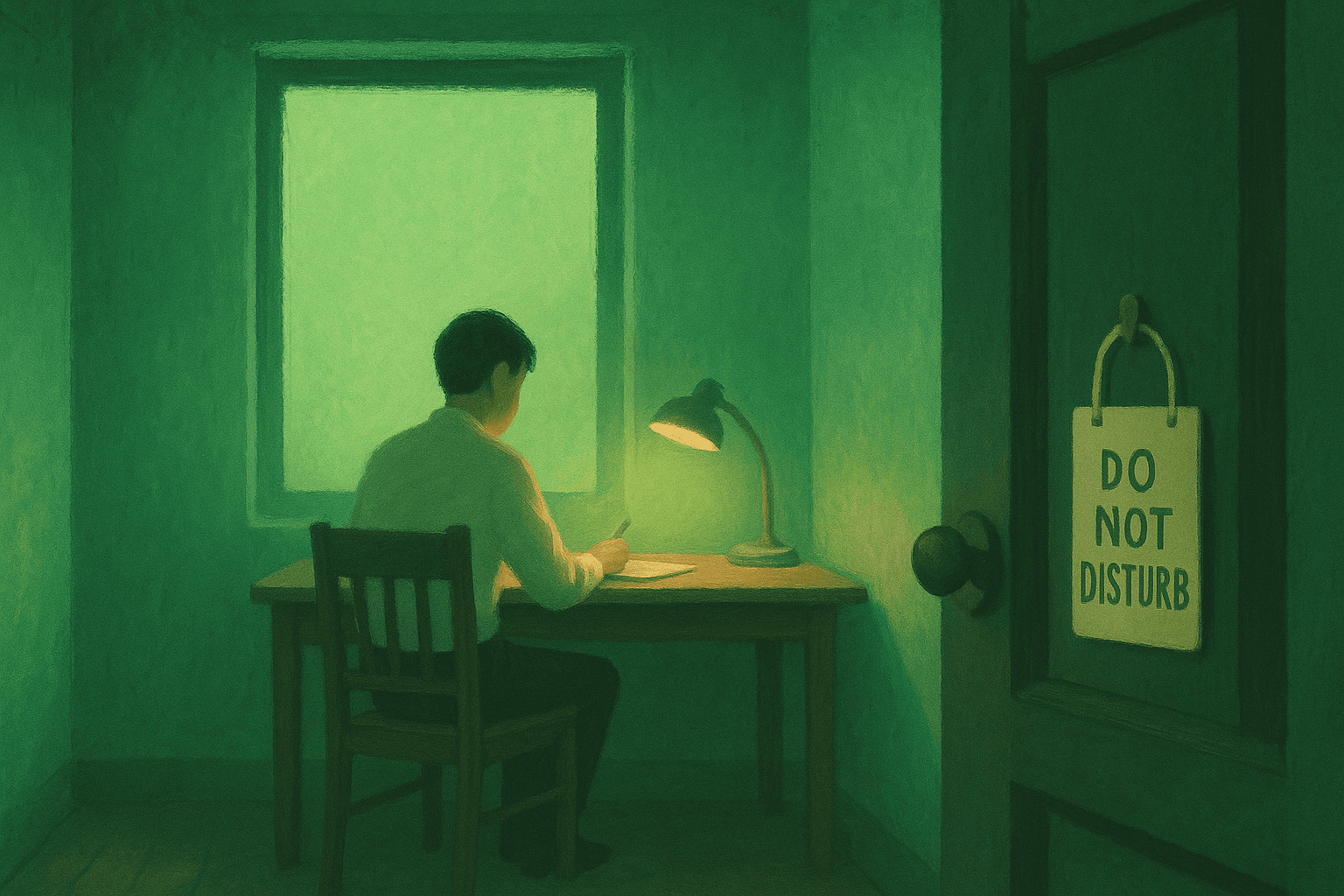
1. A dedicated space with a physical boundary. A University of Sydney study of over 42,000 U.S. workers found that open-plan environments reduce productivity by 66%, primarily due to noise and lack of privacy. The same principle applies at home. If your "office" is the corner of a shared living room, you are fighting constant environmental interruptions. The single highest-ROI change most remote workers can make is getting a door between their workspace and the rest of the house. A spare bedroom, a converted closet, a partitioned corner with a room divider. The physical boundary matters more than the square footage.
2. Natural light positioned correctly. Researchers at Northwestern University and the University of Illinois found that workers near windows received 173% more white light exposure during work hours and slept an average of 46 minutes more per night compared to workers in windowless spaces. A separate Cornell study by Professor Alan Hedge found that daylight-optimized workstations reduced eyestrain symptoms by 84% and drowsiness by 56%. Position your desk so natural light comes from the side, not directly behind your monitor (which causes glare) or directly behind you (which creates screen reflections on video calls). Side lighting is the sweet spot.
3. Visual simplicity in your field of view. Princeton neuroscientists McMains and Kastner demonstrated that multiple visual stimuli in your field of view compete for neural representation, actively reducing your working memory capacity. Every object on your desk that is not relevant to your current task is consuming a fraction of your cognitive resources. This is not about minimalism as an aesthetic. It is about protecting your brain's processing bandwidth. Keep your primary work surface clear of everything except what you need for the current session. Apply the same principle of digital minimalism to your physical workspace.
4. Temperature in the cognitive sweet spot. Research from Helsinki University of Technology and Lawrence Berkeley National Lab established that cognitive performance peaks in a temperature range of 68 to 72 degrees Fahrenheit (20 to 22 Celsius). Deviations outside this range can reduce output by up to 10%. If your home office runs hot in summer or cold in winter, addressing temperature control will do more for your focus than upgrading your monitor.
5. Acoustic control. Gloria Mark's research at UC Irvine found that workers are interrupted approximately every three minutes, and each interruption requires an average of 23 minutes to fully regain deep focus. In a home setting, interruptions are often acoustic: a doorbell, a family member's conversation, construction noise outside. Noise-canceling headphones or even a simple white noise machine creates an acoustic boundary that protects your focus blocks. The goal is not silence but consistency. Your brain adapts to consistent background sound. It struggles with intermittent, unpredictable noise.
How to Set Up Your Home Office for Deep Work
Building a home office that supports deep work and flow states goes beyond furniture placement. You are designing a behavioral trigger system.
1. Create a startup ritual tied to the space. Sit down, open one specific application, put on the same playlist or white noise track, close your phone in a drawer. Do this every time. After two to three weeks, this sequence becomes a conditioned cue. Your brain recognizes the pattern and begins shifting into focus mode during the ritual, not after it. The ritual and the space become linked. Separate from the space, the ritual loses its power. That is context-dependent conditioning at work.
2. Face a wall or a window, not the room. Your desk orientation shapes what enters your peripheral vision. Facing into the room means movement, furniture, other people, and television screens all compete for your visual attention. Facing a wall or a window with a nature view eliminates those competing stimuli. Research by Kaplan and Kaplan on attention restoration theory found that nature views support cognitive recovery between focused blocks, making a window the ideal orientation if available.
3. Separate your communication zone from your focus zone. If possible, check email and handle Slack messages from a different physical location than where you do deep work. This could mean answering messages on your phone from the couch, then walking to your desk only for focused tasks. The physical movement reinforces the mental shift. Your desk becomes associated exclusively with concentrated output, not with the reactive, notification-driven state that single-tasking aims to eliminate.
4. Use lighting as a state signal. Different lighting temperatures cue different alertness levels. Cool white light (5000 to 6500K) promotes alertness and is ideal for focused work sessions. Warm light (2700 to 3000K) promotes relaxation and signals your brain to wind down. If you have a smart bulb or adjustable desk lamp, switch to cool white when you start a deep work session and warm light when you transition to lighter tasks. Your brain will learn the association within days.
5. Build an end-of-day shutdown into the space. Close your laptop, cover your monitor, turn off your desk lamp, push in your chair. Physical closure signals tell your brain that the workspace is "off." This prevents the ambient stress of walking past an open laptop with unread notifications. The shutdown ritual works precisely because it leverages the same context-dependent conditioning that makes your office effective in the first place.

The Gear That Matters (And the Gear That Doesn't)
Once your environment is structured for focus, gear becomes the second layer. But not all gear is equal. Some purchases produce measurable gains. Others just look good on social media.
High-ROI investments:
| Item | Why it matters | Evidence |
|---|---|---|
| Ergonomic chair | Reduces fatigue and pain that break focus sessions | Cornell research: 15-20% productivity increase |
| External monitor (24 to 27 inches) | Reduces cognitive load from constant window switching | Research shows dual monitors increase productivity 20-42% |
| Noise-canceling headphones | Creates acoustic boundary in shared or noisy environments | Banbury and Berry (2005): intermittent speech is particularly disruptive |
| Adjustable desk lamp (variable color temperature) | Enables light-based state signaling for focus vs. rest | Boubekri et al.: lighting directly affects alertness and sleep quality |
Low-ROI purchases that most guides oversell:
| Item | The reality |
|---|---|
| Standing desk | Research shows benefits for health but minimal impact on focus quality. Sit-stand works better than full standing. |
| Ultra-wide curved monitor | Marginal focus benefit over a standard 27-inch display. Often increases tab-hoarding behavior. |
| Mechanical keyboard | Personal preference, not productivity differentiator. No research links switch type to output quality. |
| RGB lighting setup | Aesthetic, not functional. No evidence that colored ambient lighting improves cognitive performance. |
| Premium webcam | Matters for meetings, irrelevant for focus work. Optimize for your deep work hours, not your call hours. |
The pattern is clear. The gear that matters for productivity addresses physical discomfort, visual overload, or acoustic disruption. The gear that does not matter addresses aesthetics or edge-case optimization.
Measure Your Workspace Before You Upgrade It
Here is the approach that no other home office guide will tell you: before you buy anything, measure your focus across different locations.
Most remote workers assume their desk is their most productive spot because they spend the most time there. But time spent is not the same as focus produced. You might discover that your kitchen table on a quiet morning yields longer unbroken focus sessions than your home office on a busy afternoon. You might find that a specific corner of your apartment, one you never considered as a workspace, produces your deepest concentration.
The only way to know is to test it. Spend one week rotating your work locations within your home. Track how long your focus sessions last, how often you get distracted, and how much deep work you actually produce in each spot. A tool like Make10000Hours does this automatically by monitoring your actual computer activity and detecting focus patterns, so you do not have to rely on self-reporting (which research shows is consistently inaccurate by 30 to 40 percent).
Once you have data, the investment decisions become obvious. If your tracked focus sessions at your standing desk average 22 minutes before a break, but your sessions at the quiet corner desk with the window average 48 minutes, you know exactly which space to invest in. You know where to put the good chair, the external monitor, and the desk lamp. You are optimizing based on evidence, not on what looked good in someone's desk tour video.
This data-first approach also reveals environmental factors you might not consciously notice. Maybe your focus drops every day at 2 PM in your south-facing office because the room overheats. Maybe your best sessions happen on days when construction is not happening outside your window. The patterns become visible only when you measure them.
Budget Tiers for a Productive Home Office
You do not need to spend thousands to build a workspace that supports deep focus. Here is a tiered approach based on what the research says matters most.
Under $200: The essentials. A dedicated spot with a door or partition. A decent pair of noise-canceling earbuds (not over-ear headphones needed). A desk lamp with adjustable brightness. Clear your desk of everything except your laptop and one notebook. This setup addresses the three biggest focus killers: environmental interruptions, acoustic disruption, and visual clutter.
$200 to $600: The productivity tier. Add an ergonomic chair (the single highest-ROI piece of furniture). Add an external monitor (24 to 27 inches). Add a white noise machine or app subscription if noise-canceling earbuds are not enough. This tier addresses physical discomfort, which is the leading cause of shortened focus sessions.
$600 to $1,500: The optimized workspace. Add a sit-stand desk. Add a variable-color-temperature desk lamp. Add a second monitor if your work involves frequent reference materials. Invest in proper cable management to reduce visual clutter. This tier fine-tunes the environment for sustained multi-hour deep work sessions.
$1,500 and above: Diminishing returns. Ultrawide monitors, premium mechanical keyboards, studio-quality microphones, and elaborate lighting setups fall here. These are quality-of-life upgrades, not productivity multipliers. Buy them because you enjoy them, not because you expect them to transform your output.
Frequently Asked Questions
What is the best home office setup for productivity?
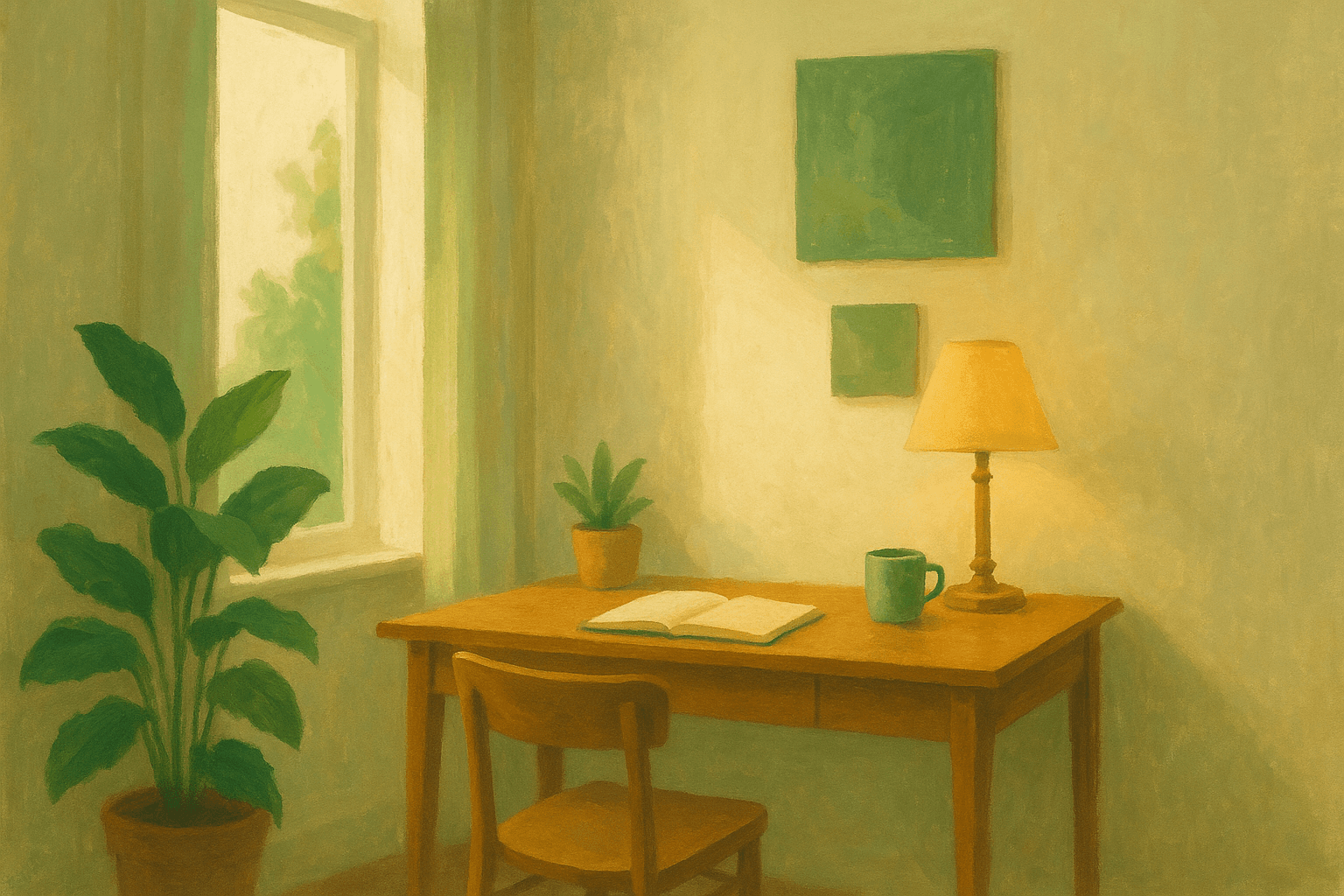
The best setup combines a dedicated space with a physical boundary (ideally a door), natural side lighting, a visually clean desk surface, an ergonomic chair, and consistent environmental cues that train your brain to enter focus mode. Research on context-dependent memory shows that consistency matters more than cost. A simple, dedicated workspace used exclusively for focused work will outperform an expensive setup in a shared, multi-use room.
How do I set up a productive home office on a budget?
Start with what the research says has the biggest impact: a dedicated space, a clear desk, and acoustic control. A pair of noise-canceling earbuds ($50 to $80) and a desk lamp ($30) in a quiet corner with a door addresses the three primary focus killers. Add an ergonomic chair when budget allows, as it is the highest-ROI furniture investment. Skip aesthetic upgrades until the fundamentals are covered.
Does your home office layout affect your focus?
Yes, significantly. Princeton neuroscience research from McMains and Kastner showed that visual clutter directly competes for neural representation, reducing working memory capacity. Your desk orientation matters too. Facing a wall or window eliminates competing visual stimuli from the room. Facing into the room means your peripheral vision constantly processes movement and objects, pulling attention away from your task.
What lighting is best for a home office?
Natural side lighting is the gold standard. Workers near windows sleep 46 minutes more per night and report 84% fewer eyestrain symptoms. For artificial lighting, use cool white light (5000 to 6500K) during focus sessions and warm light (2700 to 3000K) during breaks or lighter tasks. The color temperature shift acts as a cognitive cue, helping your brain transition between focus and recovery states.
How do I know which spot in my home is best for focused work?
Track your focus sessions across different locations for one week. Use Make10000Hours to automatically monitor your actual computer activity and detect focus patterns in each spot. Compare session length, distraction frequency, and deep work output across locations. Most people are surprised to find that their assumed "best" workspace is not where their data shows the longest unbroken focus sessions.
How do I reduce distractions in my home office?
Address the three distraction channels: visual (clear your desk, face a wall or window), acoustic (noise-canceling headphones or white noise), and digital (close all applications except the one for your current task). Physical boundaries matter most. A room with a door eliminates 90% of household interruptions. If a door is not possible, noise-canceling headphones plus a "do not disturb" signal for household members covers most of the gap.
Can a home office be as productive as a traditional office?
Data says it can be more productive. Research shows remote workers experience 2.78 daily distractions compared to 3.4 for office workers. The advantage is environmental control. In a traditional office, you cannot control noise, temperature, lighting, or interruptions. At home, you control all of these. The key is designing your space intentionally rather than defaulting to whatever room was available.
Your Home Office Is a Focus Instrument
Stop treating your home office as a place where you put a desk and a chair. It is a cognitive environment that shapes every focus session you attempt. The science is clear: your brain reads physical spaces as instructions. A chaotic, multi-use, poorly lit space tells your brain to stay in reactive mode. A clean, dedicated, consistently used workspace tells your brain to enter deep focus.
The most important step is the one every other guide skips: measure first, spend second. Track your actual focus hours across different spots in your home. Let the data show you which space produces your best work. Then invest in the elements that research proves matter: ergonomic support, lighting, acoustic control, and visual simplicity.
Start tracking your workspace productivity today with Make10000Hours. One week of data will show you exactly where your best focus happens, and that is the space worth building around.
Related articles