Working from home can make you significantly more productive or quietly drain your output without you noticing. Stanford economist Nicholas Bloom found that remote workers are about 13% more productive on average. But that average hides a massive gap. The top performers track their actual deep work hours and optimize around energy, not just schedules. The bottom performers sit at their desks for eight hours and wonder why nothing got done. The difference comes down to one thing: visibility into your real focus time. Tools like Make10000Hours exist to close that gap by tracking actual deep focus sessions so you can see the number most WFH workers never measure.
This guide breaks down the research, the routines, and the measurement strategies that separate high-output remote workers from the rest.
The Real WFH Productivity Picture
Remote work exploded during the pandemic and never went back. According to IMF research drawing on Bloom's data, work from home settled at roughly five times its pre-pandemic level. About 25% of all paid U.S. workdays now happen at home. And 80% of Fortune 500 companies have moved to hybrid schedules, typically three office days and two remote days per week.
The productivity question has been studied extensively. Bloom's 2024 randomized control trial at Trip.com found that hybrid workers produced output equivalent to full in-office workers while being 35% less likely to quit. Workers across the U.S., Europe, and Asia value hybrid arrangements at roughly an 8% salary equivalent. The typical remote worker saves about five hours per week on commuting alone.
But these aggregate numbers mask the reality on the ground. Some people working from home knock out four hours of genuine deep work before lunch. Others spend the same morning bouncing between Slack, email, and half-finished tasks, logging zero concentrated sessions. The research says WFH can boost productivity. Whether it actually does for you depends on how you structure your days and whether you have any way to measure what is really happening.
Why Some WFH Days Produce 2x the Output
The variance in WFH productivity is not random. It maps directly to how well you protect your cognitive peak hours and manage the unique distractions of a home environment.
Your brain has a hard ceiling. Research consistently shows that knowledge workers can sustain genuine deep cognitive work for only two to four hours per day. Cal Newport has written extensively about this limit. Gloria Mark's research at UC Irvine found that the average attention span on any screen has dropped to 47 seconds, down from 2.5 minutes in 2004. And here is the part that should worry every remote worker: Mark's studies show that people are equally likely to interrupt themselves as they are to be interrupted by someone else.
At home, you have removed the office interruptions (the hallway conversations, the shoulder taps, the noisy open floor plan). But you have replaced them with home-specific interruptions: the kitchen, the couch, the package delivery, the laundry that is "right there." The net productivity gain from WFH only materializes if you protect your peak cognitive hours more fiercely than you would in an office.
Data from productivity tracking platforms shows that remote workers log about 22.75 hours of deep focus per week compared to 18.6 hours for in-office workers. That gap of roughly four hours per week is real, but only if you are actually using your WFH freedom to protect focus blocks rather than filling them with shallow busywork. If you want to understand how energy management shapes your productive windows, that is the first lever to pull.
How to Build a High-Output WFH Routine
Generic WFH advice tells you to "set up a dedicated workspace" and "dress for work." That is table stakes. Here is what actually moves the needle for knowledge workers who measure their output.
1. Map your energy before your calendar. Your most important WFH decision is not where you work. It is when you do your hardest work. Track your energy for one week. Note the two to three hours when your concentration feels sharpest. For most people, this window falls in the first 90 to 120 minutes after waking (after the adenosine clears) and sometimes a smaller window in the late morning. Block those hours for your highest-leverage task. Everything else (email, meetings, admin) goes outside the peak.
2. Use the 90-minute deep work block. Your brain operates on ultradian rhythms, roughly 90-minute cycles of high and low alertness. Instead of trying to focus for four straight hours, work in 90-minute blocks with 15 to 20 minute breaks between them. During those 90 minutes, close every tab that is not related to your one task. This aligns with how your nervous system actually works, not with arbitrary Pomodoro intervals that may cut you off mid-thought.
3. Start with a single anchor task. Before you open email or Slack, identify the one deliverable that would make today feel productive even if nothing else got done. Write it on a sticky note or type it into a focus app. This prevents the drift that kills most WFH mornings: checking messages, responding to a few threads, opening a document, getting pulled into something else, and suddenly it is 11 AM with nothing shipped.
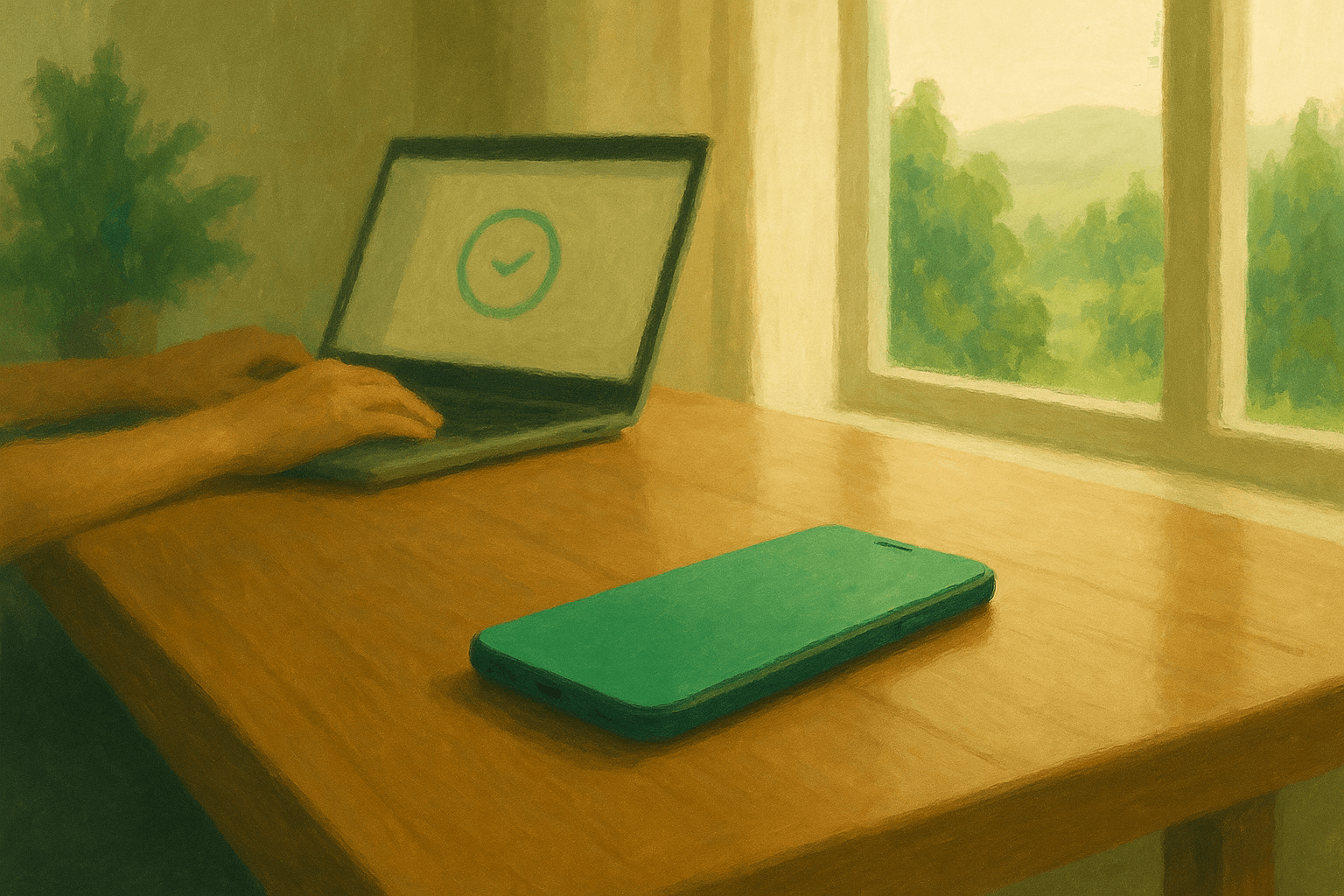
4. Create a "focus protocol" for deep blocks. This means specific, repeatable actions: phone in another room, Slack set to Do Not Disturb, browser bookmarks bar hidden, a specific playlist or noise profile running. The goal is to make entering deep work a two-minute transition, not a fifteen-minute negotiation with your own willpower. When the protocol is the same every time, your brain starts associating those cues with concentrated effort.
5. Batch communication into two or three windows. Remote workers spend an alarming amount of time on what Asana's research calls "work about work," including status updates, searching for information, and coordinating between tools. That overhead eats up to 60% of a knowledge worker's day. The fix: check email and Slack at set times (for example, 9:00 AM, 12:30 PM, and 4:00 PM). Outside those windows, notifications stay off. This protects your focus blocks while keeping you responsive enough that nobody thinks you vanished.
6. Practice aggressive single-tasking. Multitasking at home feels productive because you are "handling things." It is not. Every context switch costs you up to 23 minutes of refocus time (per Gloria Mark's research at UCI). When you sit down to write a report, you write the report. When you sit down to review pull requests, you review pull requests. One task, one block. The output difference over a full week is dramatic.
7. Build movement into your transitions. The break between focus blocks should involve your body, not your phone. Walk around the block. Do ten minutes of stretching. Fill a water bottle and stand by a window. The WFH environment is more sedentary than an office (no walking to conference rooms, no commute). Physical movement between cognitive blocks resets your prefrontal cortex and prevents the afternoon fog that tanks second-half productivity.
8. Protect your no-meeting mornings. If your team allows it, block your first three hours as meeting-free. If your team does not allow it, negotiate it. The data is clear: knowledge workers who protect even one uninterrupted morning block per day produce measurably more output than those who scatter meetings throughout the day. Mornings are biologically your sharpest window. Do not give them to status syncs.
9. End with a shutdown ritual. The hardest part of WFH is not starting. It is stopping. When your office is your home, work bleeds into evening without a clear boundary. A shutdown ritual fixes this: review what you completed, write tomorrow's anchor task, close your laptop, and leave the workspace. This is not a nice-to-have. It is how you prevent the chronic low-grade stress that accumulates when work never fully ends.
10. Review your numbers weekly. This is where most WFH advice stops short. You need a weekly review where you look at actual data: how many focus hours did you log? How many days did you hit your target? Where did the time go on the days that felt unproductive? Without this feedback loop, you are guessing. And humans are notoriously bad at estimating their own productivity. Make10000Hours tracks your real focus sessions automatically, so your weekly review starts with facts instead of feelings.
How to Measure Your Actual WFH Productivity
Here is the uncomfortable truth about working from home: most people have no idea how productive they actually are. In an office, you at least have social cues and environmental structure. At home, you have your own perception, and perception is unreliable.
Studies suggest that knowledge workers overestimate their deep focus time by 50% or more. You think you worked "solidly" for six hours. Your actual concentrated output might be closer to two and a half. The remaining time went to half-attention email, unfocused browsing between tasks, and shallow coordination work that felt busy but produced nothing lasting.
The fix is measurement. Not surveillance. Not micromanagement. Simple, honest tracking of your focus sessions so you can see what is real.
Track focus hours, not total hours. The number that matters is not "hours at desk." It is "hours in genuine concentrated work." A four-hour day with three hours of deep focus beats an eight-hour day with ninety minutes of real output. If you are using time blocking to structure your day, track how many of those blocks actually stayed protected.
Compare days and patterns. After two weeks of tracking, you will see patterns. Maybe Mondays are your best deep work days because you are fresh. Maybe Wednesday afternoons are dead zones. Maybe you produce twice as much on days when you skip the morning email check. These patterns are invisible without data.
Use the data to redesign, not judge. The point of measurement is not to beat yourself up about a low-focus day. It is to learn what conditions produce your best work and recreate them deliberately. When Make10000Hours shows you that your average is 2.3 hours of deep focus per day, the question is: what would it take to get to 3.0?
The WFH Environment That Protects Focus
Your physical and digital environment determines how easy or hard it is to enter a flow state. At home, you control both completely. That is a massive advantage if you use it.
Physical space. A dedicated workspace matters, but not because of some productivity guru clich. It matters because your brain forms associations. If you work from the couch, your brain associates that spot with relaxation. If you work from a specific desk or table that you only use for work, your brain starts context-switching into focus mode when you sit there. The stronger the association, the less willpower you burn getting started.
Noise management. Some people focus best in silence. Others need ambient sound. Experiment with brown noise, lo-fi music, or nature sounds during focus blocks. The key is consistency: your brain will start using that audio as a trigger for deep work, the same way athletes use pre-game playlists.
Digital hygiene. Close tabs you are not using. Uninstall apps that pull you out of focus. Use a browser extension that blocks distracting sites during your deep work blocks. Your home has no IT department restricting social media. You are your own IT department now.
Async communication. Push your team toward async communication wherever possible. Every real-time message is a potential interruption. Every meeting that could have been a document is a stolen focus block. Advocate for written updates, recorded walkthroughs, and batched Q&A sessions instead of continuous chat.

Setting Boundaries That Actually Stick
The boundary problem is the hidden productivity killer for WFH workers. Without a commute to bookend your day, work expands to fill whatever space you let it.
Set visible work hours. Put your hours in your calendar, your Slack status, and your email signature. Tell the people you live with. The visibility makes the boundary real for you and for others.
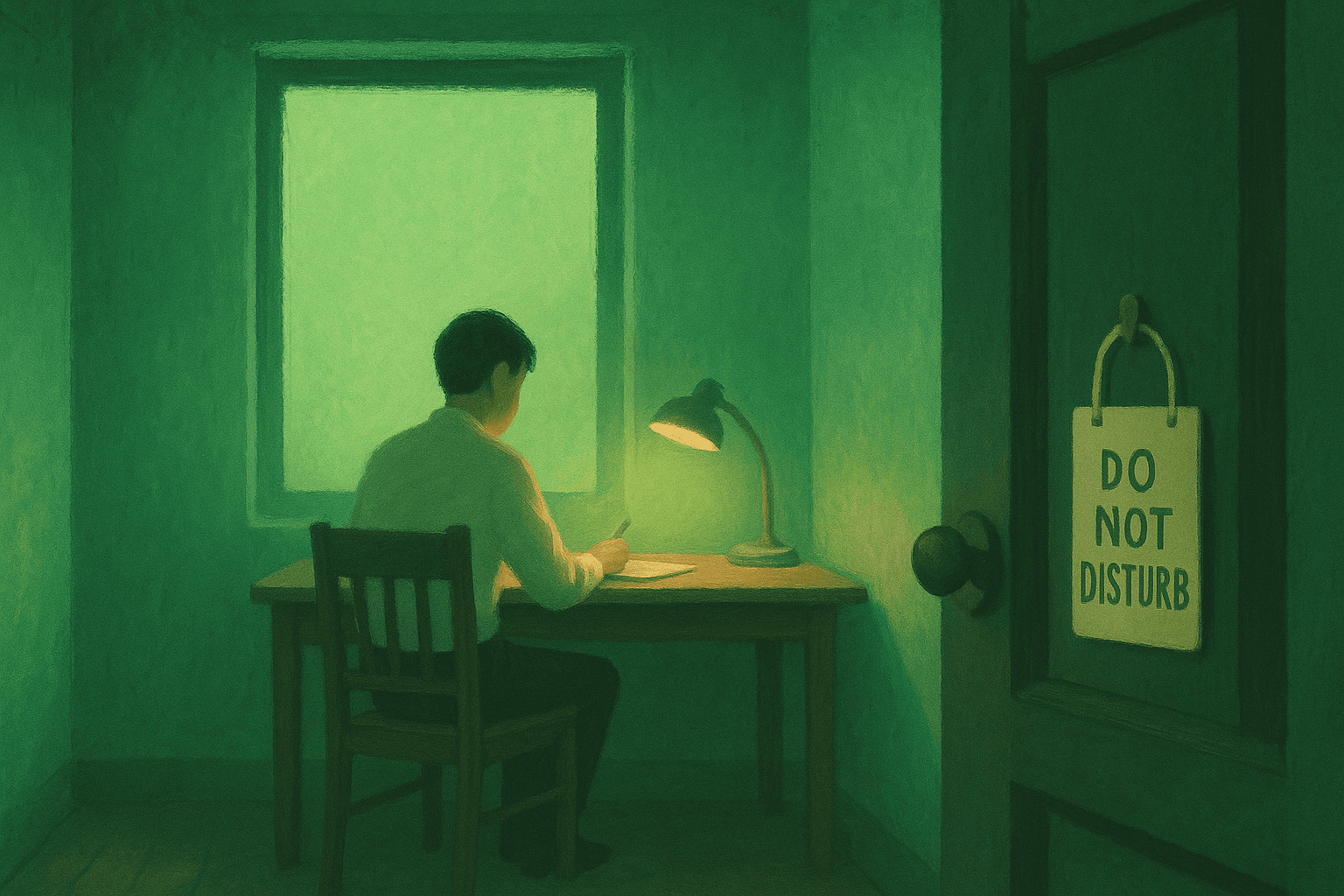
Negotiate your focus blocks. If you share space with family or housemates, negotiate specific "do not disturb" hours. This is not about being antisocial. It is about acknowledging that your output depends on uninterrupted blocks, and that you will be a better partner, parent, or roommate when your work is done efficiently instead of dragging out all day.
Protect your shutdown time. Decide when your workday ends. When that time arrives, close the laptop. Leave the workspace. Do not check "one more thing." The research is clear that workers who mentally detach from work during off-hours perform better during on-hours. A clean shutdown is not laziness. It is a productivity investment in tomorrow.
Guard your calendar. Say no to meetings that have no clear agenda. Say no to "quick syncs" that could be a two-line message. Every meeting you decline is a focus block you preserve. The average knowledge worker spends hours each week in meetings that produce no decisions and no deliverables.
The Five WFH Productivity Killers (and How to Fix Them)
1. The "always available" trap. WFH workers often feel pressure to respond instantly to prove they are working. This destroys focus. Fix: set explicit response windows and communicate them to your team. You are paid for output, not for response speed.
2. Environment bleed. When your desk faces the dishes, your brain processes the dishes. When your workspace has a TV in peripheral vision, part of your attention goes there. Fix: orient your workspace to face a wall or window (not the living room). Eliminate visual cues of non-work tasks from your line of sight.
3. The morning drift. Without the forcing function of a commute, mornings dissolve into slow starts: social media check, another coffee, a few messages, some browsing. Fix: install a morning trigger. Set a specific start time, sit down, and open your anchor task before anything else.
4. Isolation fatigue. Loneliness erodes motivation over time. Fix: schedule regular virtual or in-person connections. A weekly team lunch call, a monthly coworking day, or a daily end-of-day check-in with a colleague can prevent the slow drain of working alone for months.
5. Zero feedback on focus quality. In an office, your manager might notice you are in a flow state and hold interruptions. At home, nobody sees your focus patterns. Fix: instrument your work. Use focus tracking tools that show you your real patterns. When you can see that you averaged 3.2 deep hours on Monday but only 1.1 on Thursday, you have something to work with.
Frequently Asked Questions
How many productive hours per day can you expect working from home?
Research suggests knowledge workers sustain two to four hours of genuine deep cognitive work per day, regardless of where they work. Remote workers who protect their peak hours effectively can push toward the higher end of that range. Bloom's research shows the WFH advantage comes from fewer interruptions and zero commute, not from more total hours.
Why am I less productive working from home than in the office?
The most common reason is invisible distraction accumulation. In an office, you have external structure (set arrival time, visible colleagues, scheduled meetings). At home, that structure vanishes. Without replacing it with your own systems (energy mapping, focus blocks, shutdown rituals), the unstructured hours fill with low-value activity that feels busy but produces little.
Does working from home actually increase productivity?
On average, yes. Bloom's Stanford research and IMF data show flat to positive productivity effects for hybrid arrangements, with quit rates dropping by 35%. But the average masks huge individual variance. WFH increases productivity for people who build intentional routines and measure their output. It decreases productivity for people who rely on office structure they no longer have.
What is the best daily schedule for working from home?
There is no universal best schedule. The most effective approach is to map your personal energy rhythm, then place your hardest cognitive work in your peak window (usually the first two to three hours after waking). Batch email and meetings into lower-energy windows. End with a shutdown ritual. The specific hours matter less than the alignment between task difficulty and energy level.
How do I stop getting distracted when working from home?
Remove the distraction before it happens, not after. Put your phone in another room during focus blocks. Use a website blocker. Close Slack outside your communication windows. The mistake most WFH workers make is relying on willpower to resist distractions that are literally within arm's reach. Design your environment so the distracting option requires effort and the focused option is the default.
How can I track whether I am actually productive while working from home?
Track focus hours, not desk hours. Use a tool like Make10000Hours that logs your actual deep focus sessions automatically. After two weeks, you will have a baseline. Compare it to your own perception. Most people discover a significant gap between how much focused work they think they did and how much they actually completed. That gap is your biggest opportunity.
What are the biggest challenges of remote work productivity?
The top challenges are boundary management (work bleeding into personal time), self-interruption (checking your phone or opening new tabs mid-task), isolation (losing motivation without team energy), and lack of feedback (no way to know if your focus quality is improving or declining over time). Each of these is solvable with the right systems, but none of them solve themselves.
Work from home productivity is not about working more hours from your couch. It is about protecting fewer, higher-quality hours and knowing exactly where your focus goes. The remote workers who thrive are the ones who treat their home office like a performance environment, not a relaxed alternative to commuting. Start by measuring one thing: your actual deep focus hours per day. That single number will tell you more about your WFH productivity than any tip list ever could. Track it with Make10000Hours and see where you really stand.
Related articles