A distraction free workspace is more than a clean desk. It is a physical, digital, and behavioral environment specifically designed to reduce interruptions and signal your brain that focused work is happening now. Most guides stop at cable management and noise-cancelling headphones. That misses the bigger picture: your brain learns to associate specific environments with specific mental states, and a workspace optimized for deep work can trigger focus neurologically before you even open your first task. Tools like Make10000Hours let you track focus sessions across different workspace configurations so you can see which changes genuinely move the needle, not just which ones look good on a Pinterest board.
This guide breaks workspace design into three layers that every knowledge worker can act on today: the physical layer, the digital layer (where most distractions actually originate for remote workers), and the behavioral layer that ties everything together. Each layer includes specific strategies backed by cognitive science, plus a measurement approach so you know what is working for your brain.
What Makes a Workspace Truly Distraction Free
The phrase "distraction free workspace" gets thrown around casually, but cognitive science defines it more precisely. A truly distraction free environment minimizes both external interruptions (noise, notifications, people walking by) and internal triggers (visual clutter competing for attention, digital temptations within easy reach).
The science behind why workspace design matters goes deeper than most people realize. Psychologists call it context-dependent memory: your brain forms associations between physical environments and mental states. The foundational research comes from Godden and Baddeley (1975), who found that scuba divers recalled information better when tested in the same environment where they learned it. The same principle applies to your workspace. When you consistently do focused work in a specific environment, your brain begins to associate that space with concentration.
Neuroscience research from Johns Hopkins (2017) showed that environmental cues can trigger the brain to enter a focused state through Pavlovian conditioning. The caudate nucleus, a brain structure involved in linking actions to consequences, mediates these stimulus-control associations. In practical terms: if you always enter deep focus at the same desk with the same setup, your brain starts shifting into focus mode the moment you sit down. If you also scroll social media, watch videos, and pay bills at that same desk, the association weakens.
This means workspace design is not just about removing distractions. It is about building a consistent environment that your nervous system learns to read as a focus cue. Every element of your workspace, from the lighting to the apps on your screen, either strengthens or weakens that cue.
Why Your Current Setup Costs More Than You Think
Before redesigning anything, it helps to understand what a fragmented workspace actually costs.
Research from UC Irvine found that it takes an average of 23 minutes and 15 seconds to regain full focus after a single interruption. That is not 23 minutes of total loss, but 23 minutes before you return to the same depth of concentration you had before the interruption hit.
The scale of the problem is staggering. According to workplace productivity surveys, 79% of workers get distracted within one hour of starting focused work, and 59% cannot maintain focus for even 30 minutes without an interruption. A separate analysis found that 60% of work time goes to "work about work," which includes searching for information, switching between apps, managing communications, and tracking down decisions. Only 40% of time remains for the skilled, strategic work people were actually hired to do.
For businesses, distracted employees cost an estimated $650 billion annually in the United States alone. For individual knowledge workers, the cost shows up as longer hours, lower output quality, and the frustrating feeling that entire days disappear without meaningful progress.
The workspace you sit in every day is either amplifying these costs or reducing them. Most people have never measured which one.
The Physical Layer: Designing Your Focus Zone
Physical workspace design is what most guides cover, so let's get the essentials right before moving to the layers competitors miss.
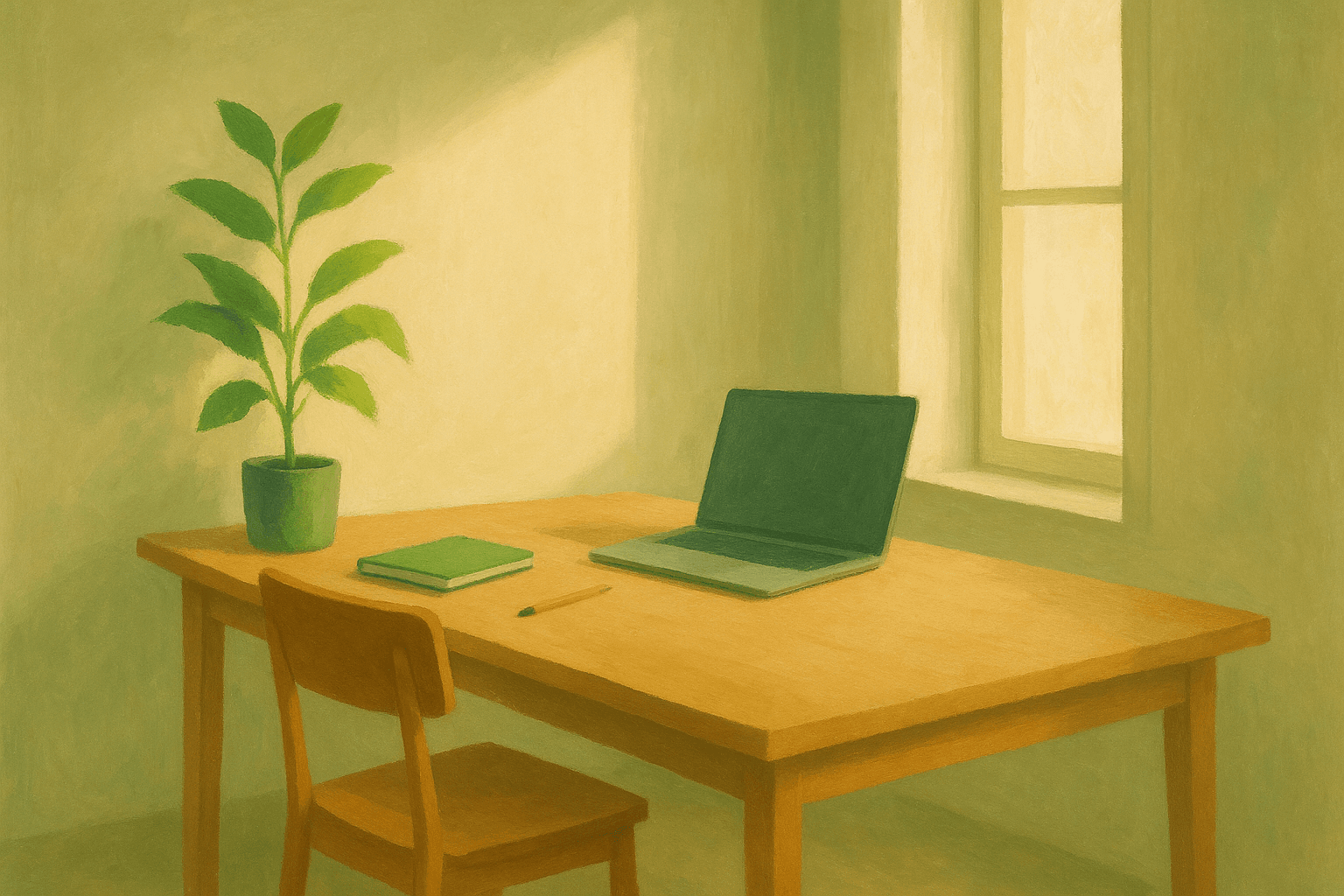
1. Dedicate a space exclusively to focused work. This is the most important physical change you can make, and it directly leverages context-dependent memory. Your focus space should not double as your gaming station, bill-paying desk, or casual browsing spot. If you only have one desk, use a specific configuration (a particular desk lamp turned on, a specific object placed in view) as a physical "focus trigger" that you only deploy during deep work. When you are done, reset the configuration.
2. Face away from traffic and visual noise. Research from Princeton neuroscience shows that multiple visual stimuli in your field of view compete for neural representation, limiting your brain's processing capacity. Position your desk so you face a wall or window rather than a doorway, hallway, or open room. If you work in an open office, a simple partition or even a tall monitor can reduce peripheral visual interruptions.
3. Control your sound environment below 55 decibels. Studies on workplace acoustics found that background conversation above 55 decibels lowers analytical task accuracy by 10 to 15 percent. Noise-cancelling headphones are the simplest fix. If you prefer ambient sound, use consistent brown noise or instrumental music rather than podcasts or songs with lyrics, which engage your language processing centers and compete with text-based work.
4. Minimize your visual field to essentials only. Keep on your desk only what you need for the current work session. Every object in your peripheral vision is a potential attentional pull. A clean desk is not aesthetic advice; it is a cognitive performance strategy. At the end of each session, reset your desk to a neutral state.
5. Optimize lighting for sustained alertness. Natural light from a window supports circadian rhythm and reduces eye strain. If natural light is limited, use a daylight-temperature desk lamp (5000K to 6500K) during focus sessions. Avoid dim or warm-toned lighting during work hours, which signals your brain to wind down.
6. Add one green element. Research on biophilic design consistently shows that a single plant in your visual field reduces stress and supports sustained attention. You do not need a jungle. One small plant on your desk or a view of greenery through a window is enough.
The Digital Layer: Where Most Distractions Actually Live
Here is the uncomfortable truth that most workspace guides underplay: for knowledge workers, digital distractions are a bigger problem than physical ones. You can have the quietest, cleanest desk in the world, and still lose three hours to Slack threads, email rabbit holes, and browser tabs.
Knowledge workers now average nine active software tools per day, each competing for visual and cognitive attention. Research shows that constant monitoring of platforms like Slack and Teams increases perceived stress by 14% and decreases self-rated productivity by 11%. Meanwhile, professionals spend 28% of their workweek just managing email.
Your digital workspace needs the same intentional design as your physical one.

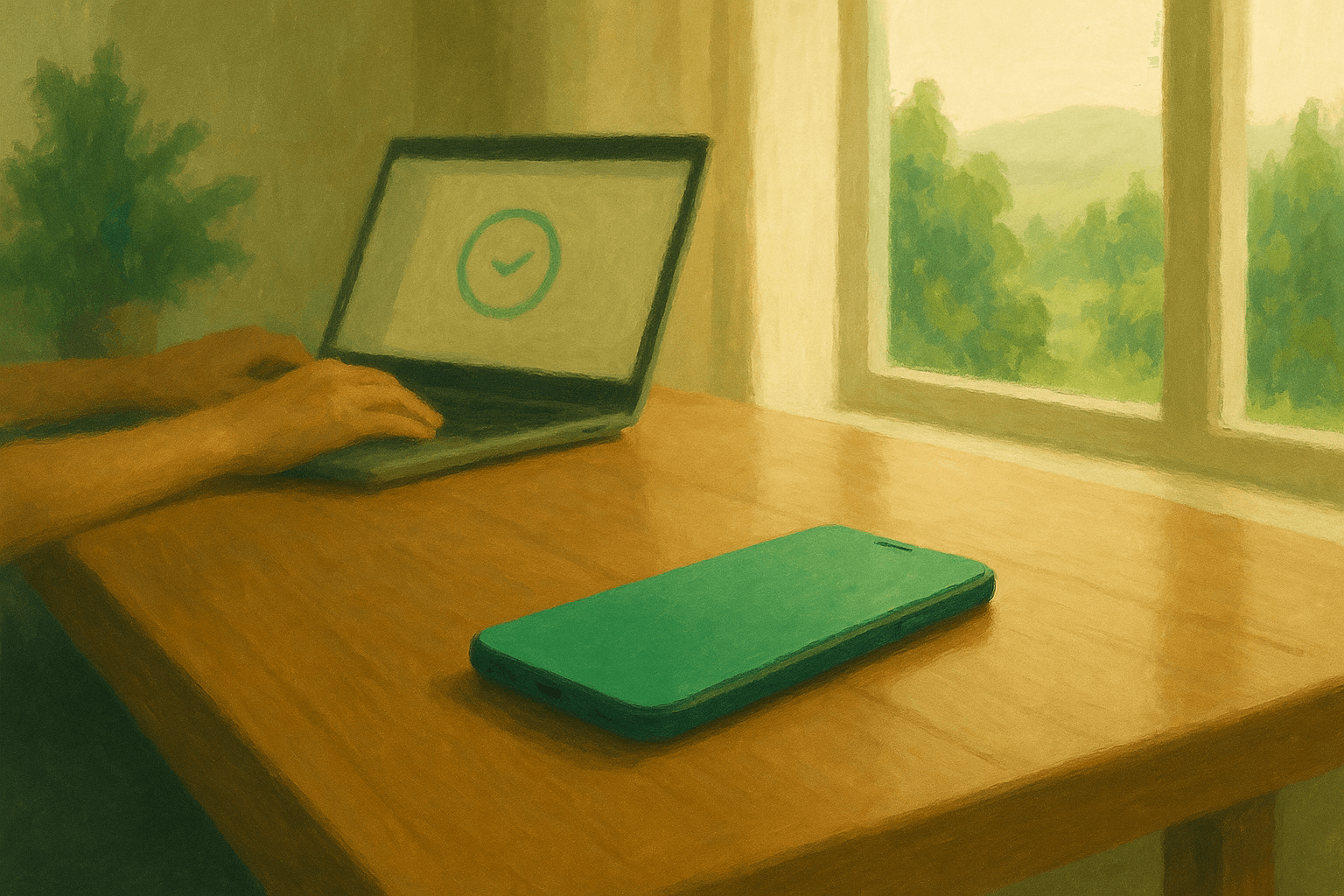
1. Create a "focus mode" configuration on your OS. Both macOS and Windows offer system-level Focus or Do Not Disturb modes that suppress notifications. Set up a custom focus profile specifically for deep work: block all notifications except truly urgent ones (phone calls from specific contacts). Activate this mode at the start of every focus session and deactivate it when you are done. Like your physical desk configuration, the act of toggling focus mode becomes a behavioral trigger.
2. Use a single-purpose browser profile for deep work. Create a separate browser profile that has zero social media bookmarks, no news sites in the history, and only the tabs relevant to your current project. Extensions like OneTab or Workona can help, but the cleanest approach is a dedicated profile that starts fresh.
3. Batch all communication into scheduled windows. Close email and messaging apps during focus sessions. Check them at scheduled intervals: for example, 9:00 AM, 12:00 PM, and 4:00 PM. This one change eliminates the single largest source of digital interruptions for most knowledge workers. If your team expects immediate responses, negotiate a "focus hours" agreement where you are unreachable for defined blocks.
4. Block temptation sites during work hours. Tools like Freedom, Cold Turkey, and LeechBlock let you block specific sites or entire categories during scheduled work periods. The key insight: willpower is not a reliable distraction blocker. Environmental design is. Remove the option to wander, and your brain stops spending energy resisting the temptation.
5. Clean your desktop and close unused tabs. Apply the same principle from your physical desk to your screen. A desktop covered in files and a browser with 47 open tabs create the same attentional competition as a cluttered physical desk. Start each focus session with a clean desktop and only the tabs you need for the current task.
6. Set your communication status to signal unavailability. Use Slack status, Teams presence indicators, or a shared calendar block to tell colleagues you are in a focus session. This is the digital equivalent of closing your office door. It reduces incoming interruptions and sets expectations without requiring you to explain yourself each time.
The Behavioral Layer: Rituals and Boundaries That Protect Focus
The physical and digital layers set the stage. The behavioral layer is what turns a nice workspace into a consistent focus-generating machine.
1. Build a focus startup ritual. A consistent sequence of actions before each focus session trains your brain to transition into deep work faster. Your ritual might include: close all messaging apps, activate your OS focus mode, place your focus trigger object on your desk, open only the project you will work on, and set a timer. Over time, the ritual itself becomes a Pavlovian cue that accelerates your transition to focused attention. Read more about building focus rituals for deep work.
2. Define your focus session length and honor the breaks. Research from DeskTime found that the most productive work interval is 52 minutes of focused work followed by 17 minutes of rest. Other people do better with 90-minute blocks aligned to ultradian rhythms. The specific length matters less than consistency: pick a duration, run it, and take a real break afterward. During breaks, step away from your screen. Walk, stretch, or look out a window. Do not check email or scroll your phone, which resets the attentional recovery your break is supposed to provide.
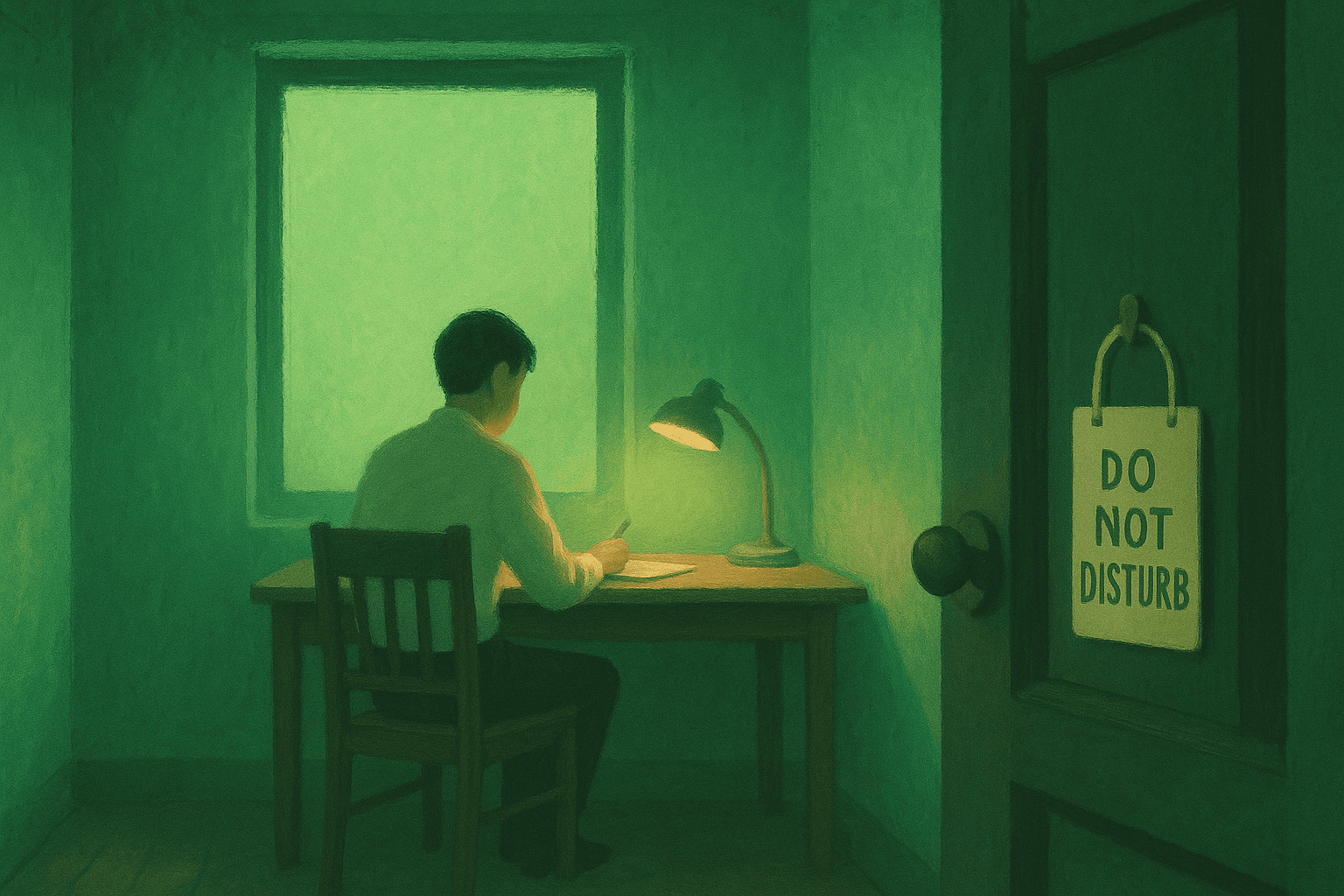
3. Set explicit boundaries with the people around you. If you work from home, communicate your focus hours clearly to household members. A closed door, a specific signal (headphones on, a sign on your door), or a shared calendar makes your boundaries visible. If you work in an office, use headphones and a "do not disturb" indicator. The goal is to make your focus sessions legible to others without requiring a conversation each time. For more strategies specific to remote work distractions, see our dedicated guide.
4. Practice single-tasking by default. Multitasking is not a productivity strategy; it is rapid context-switching that degrades the quality of every task it touches. During a focus session, work on exactly one thing. If another task pops into your head, write it on a capture list (a physical notepad works well) and return to your primary task. This preserves your focus while ensuring nothing gets forgotten. For a full breakdown of why this works, check our post on single-tasking productivity.
5. End each session with a shutdown ritual. When your focus timer ends, close all project-specific tabs, review what you accomplished, note your next action for the project, and physically reset your workspace. This ritual provides cognitive closure that prevents unfinished tasks from occupying background mental bandwidth (the Zeigarnik effect). It also resets your physical and digital environment for the next session.
6. Protect your first focus block of the day. Your cognitive resources are highest in the morning for most people. Schedule your most important focus session before checking email, attending meetings, or processing messages. Many knowledge workers find that protecting the first 90 minutes of their day for focused work produces more meaningful output than the entire afternoon.
How to Measure Which Workspace Changes Actually Work
Here is where most advice falls apart: people make five workspace changes at once, feel productive for a few days, and have no idea which change actually helped. The novelty wears off, old habits creep back, and the "distraction free workspace" becomes just another desk.
The fix is simple but almost nobody does it: measure your focus sessions across different workspace configurations and let the data pick your optimal setup.
Before redesigning your workspace, run a one-week baseline in Make10000Hours. Track your focus sessions as they are, noting your session lengths, quality ratings, and which workspace configuration you used each day. Then make one change and track for another week. Compare the data.
This approach works because productivity is personal. What eliminates distractions for a developer writing code may not work for a writer drafting articles. The acoustic environment that helps one person focus might irritate another. Instead of following a generic checklist, you run small experiments on your own attention and let the data tell you which workspace variable actually moves your focus session length.
Variables worth testing one at a time:
- Noise-cancelling headphones vs. open ears vs. brown noise
- Notifications blocked vs. batched checking
- Physical workspace location (home office vs. coffee shop vs. library)
- Time of day for your primary focus block
- Session length (25 minutes vs. 50 minutes vs. 90 minutes)
- Screen configuration (single monitor vs. dual vs. laptop only)
Track each variable for at least five sessions before drawing conclusions. A sample of one or two sessions is too noisy. Five sessions per configuration gives you a reliable signal about what actually works for your brain.
Frequently Asked Questions
How do I set up a distraction free workspace at home?
Start with a dedicated space used only for focused work, even if it is just one end of a table. Remove everything from the surface except what you need for the current task. Set up a system-level focus mode on your computer to block notifications during work sessions. Add noise-cancelling headphones if your environment is noisy. The most common mistake is focusing only on the physical setup while ignoring the digital layer, which is where most home-based distractions originate for knowledge workers.
Does your workspace really affect your productivity?
Yes, and the effect runs deeper than most people realize. Research on context-dependent memory shows that your brain forms associations between environments and mental states. A workspace consistently used for focused work triggers concentration faster over time. On the disruption side, UC Irvine research found it takes 23 minutes to recover focus after a single interruption. A well-designed workspace reduces the frequency of those interruptions, compounding time savings across every workday.
What is more important for focus: physical workspace or digital workspace?
For most knowledge workers, digital workspace design has a larger impact. Knowledge workers average nine software tools per day, and constant monitoring of messaging platforms increases stress by 14% while reducing self-rated productivity by 11%. Physical workspace matters, but if you never address notification management, browser hygiene, and communication batching, a perfect physical setup still leaves your biggest distraction sources untouched.
How do I create a focus zone in a shared or open office?
Use noise-cancelling headphones as your primary sound barrier. Position your monitor so it blocks peripheral visual distractions. Set your chat and email status to indicate you are in a focus session. If your workplace supports it, negotiate "focus hours" or "no-meeting blocks" where the team agrees not to interrupt each other. Even in open offices, a visible signal (headphones on, status set to DND) reduces interruptions significantly because it makes your focus state legible to colleagues.
How do I know which workspace changes actually improve my focus?
Track your focus sessions with an app like Make10000Hours and change one variable at a time. Run your current setup for a week as a baseline, then introduce a single change (new noise setup, blocked notifications, different session length) and track for another week. Compare session lengths and quality ratings. Five or more sessions per configuration gives a reliable signal. This data-driven approach eliminates guesswork and shows you which specific workspace variables move your focus for your particular work style.
What are the best tools to block digital distractions?
Freedom, Cold Turkey, and LeechBlock are the most popular website blockers. For system-level notification management, use macOS Focus Mode or Windows Focus Assist. For communication batching, turn off email and Slack notifications and check them at scheduled intervals. The best tool is whichever one you will actually use consistently. Start with your operating system's built-in focus mode before adding third-party blockers.
How long should a focus session last in a distraction free workspace?
Research suggests different optimal lengths depending on the person and task. The DeskTime study found 52 minutes of work with 17 minutes of rest produced the highest output. Others align with 90-minute ultradian cycles. For most people, starting with 50-minute sessions and adjusting based on tracked results works well. The key is consistency: pick a length, use a timer, take real breaks away from your screen, and adjust based on your actual session data rather than someone else's recommendation.
Can workspace changes help with ADHD focus challenges?
Workspace design is particularly impactful for ADHD brains because environmental cues play a stronger role in attention regulation when executive function is inconsistent. Reducing visual clutter, blocking digital distractions at the system level, and using a consistent focus startup ritual all reduce the cognitive load of "getting started," which is often the hardest part for people with ADHD. Pairing workspace design with flow state techniques can further support sustained attention.
Build Your Optimal Focus Environment
The workspace that maximizes your focus is not the one that looks best in a setup video. It is the one where your brain consistently enters deep work with minimal friction. That workspace emerges from testing, not theory.
Start by making one change from each layer: one physical change (declutter your desk and face away from traffic), one digital change (activate OS focus mode and block notifications during work sessions), and one behavioral change (build a two-minute focus startup ritual). Track your sessions in Make10000Hours for two weeks. The data will show you which changes made a real difference, and you can build from there.
Your ideal distraction free workspace is unique to your brain, your work, and your environment. Stop guessing. Start measuring.
Related articles